AI and SaaS
VEED
The Webflow component library behind VEED’s marketing pages, and the pages rebuilt from it.
Context
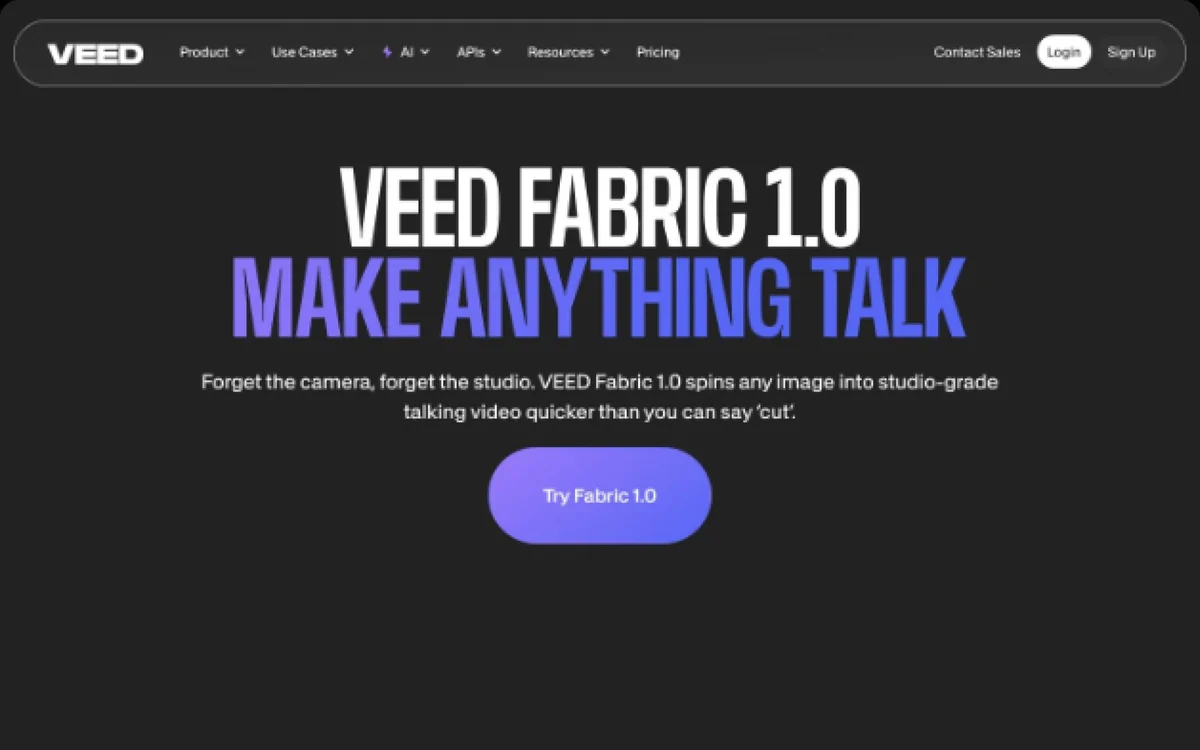
VEED makes an online video editor and a set of AI video tools, including its Fabric 1.0 model. In early 2026 it refreshed its brand. VEED’s brand team and a contract designer drew the new design system in Figma, for its SEO pages on one platform and its marketing pages on Webflow. VEED brought LayerTwo in through Contra to build the Webflow side: a component library in the new system, then the marketing pages rebuilt from it, in VEED’s priority order. We worked inside VEED’s Slack, Figma and Webflow from March to July 2026.
Strategy
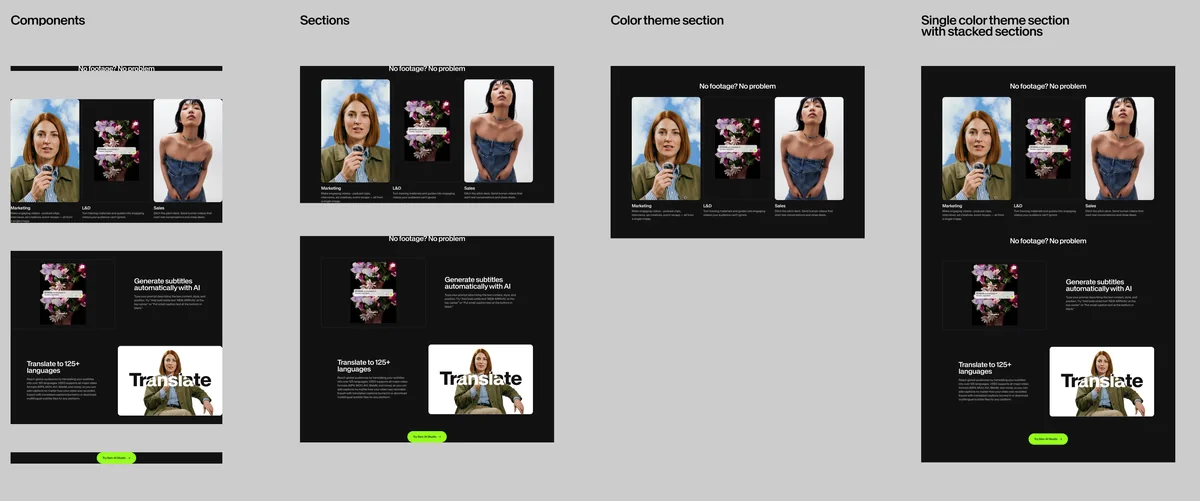
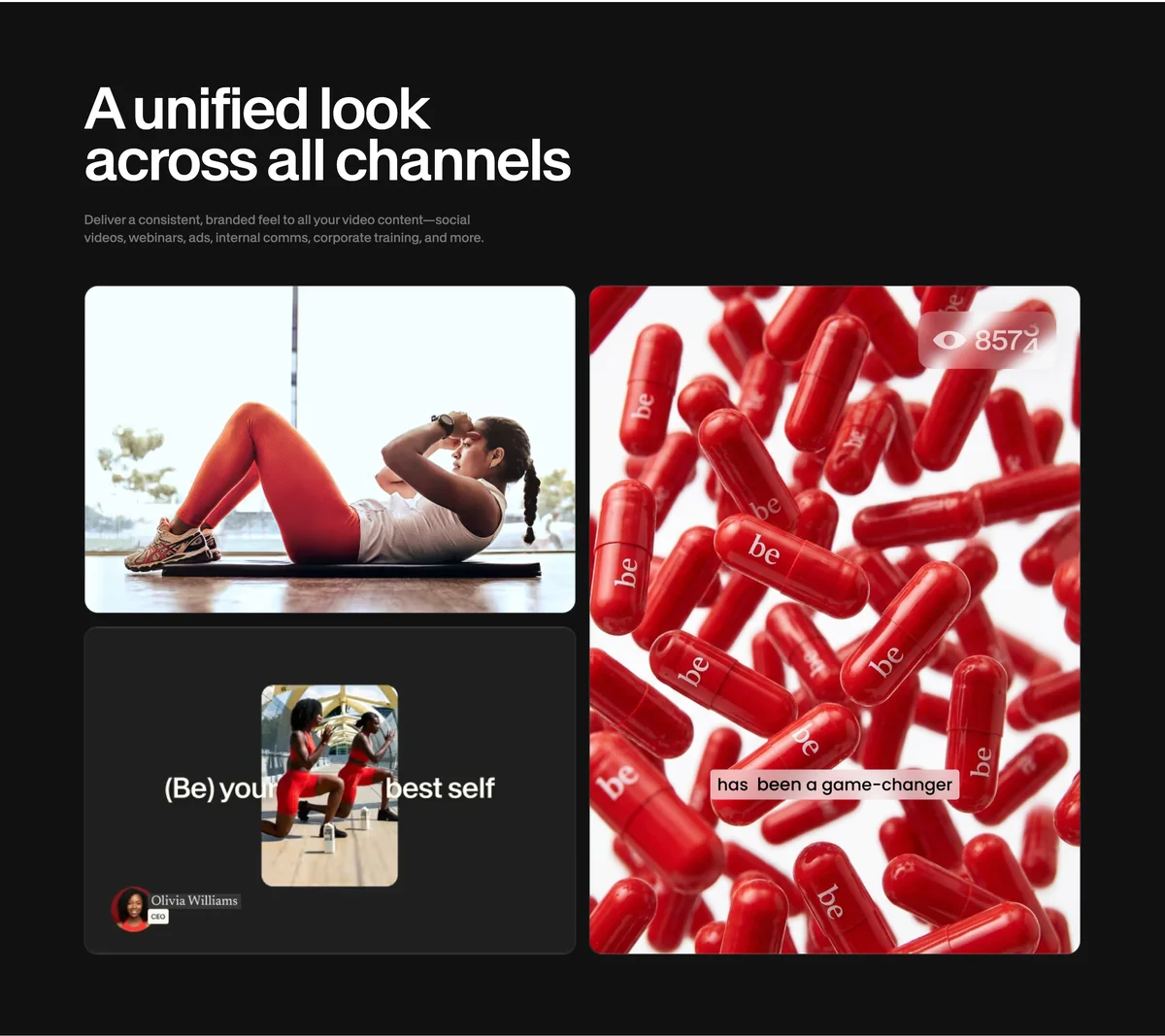
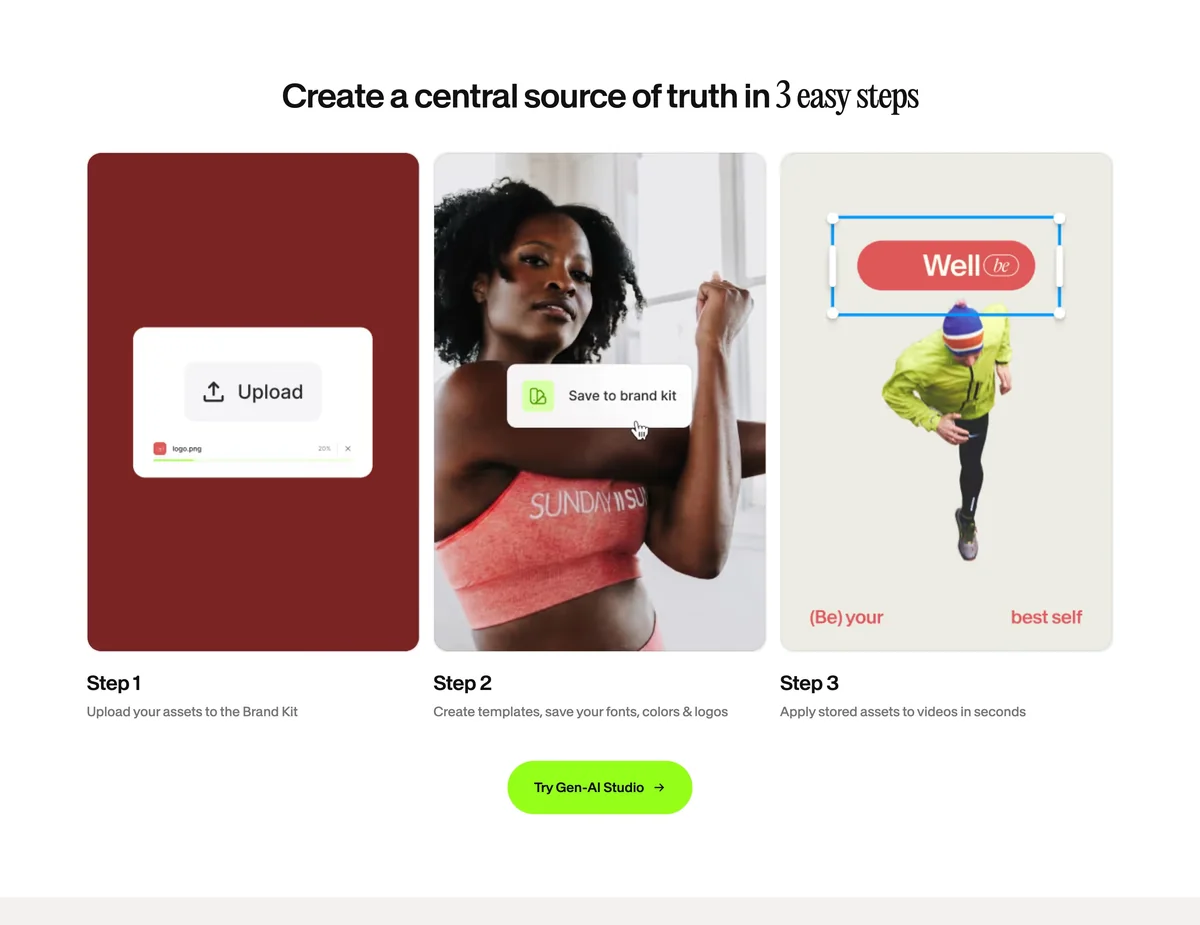
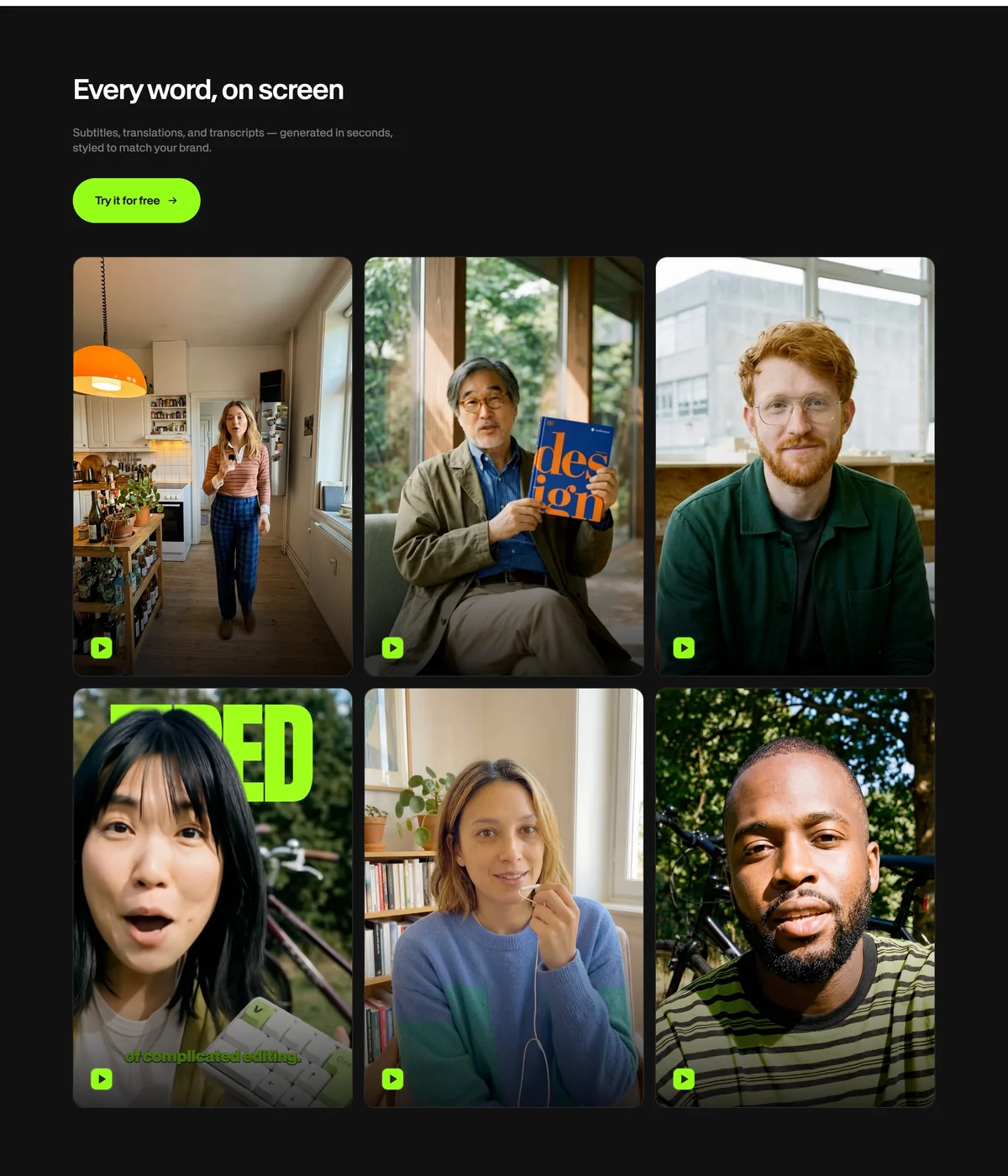
The strategy was a library VEED’s own team could build any marketing page from, where every option on offer was one the design system allowed. VEED’s marketing team wanted range, so a page could be put together from parts. Their designer warned that a system with many options drifts within a month of launch, because every stakeholder treats their page as a special project. We agreed with VEED to build whole sections as fixed components and to put the choices at the top of each one: heading size, left or centred text, a green, black or white button, the aspect ratio of its media, and the theme. Every card in a section carries the same parts, so if one has a button, they all do. When content doesn’t fit a section, the page uses a different section.
Design Direction
The design system is VEED’s: type, colour, spacing and components, set as base tokens with aliases, sized in rems. Our part was to carry it into Webflow as drawn. Headlines mix a serif into the sans, so we set it up so that an editor puts a word in italics and it takes the serif. Where the Figma file left a gap, such as text colour on the green themes, we made the call and put it to VEED for review. From the design variables we built eight themes: Light, Dark, Black on White, White on Black, White on Light, VEED, VEED Light and VEED Premium.
The Component Library
The library is a shared Webflow library published into the marketing site. Sections hold groups, groups hold elements, and the section sets the spacing and the background, whether colour, image or video. Empty fields hide themselves, so deleting a subheading closes its space. Headings are rich text from H1 to H6. The navigation has three states, one of them white over a hero that turns solid on scroll. Forms take the new styles through a HubSpot component. For VEED’s design QA we laid out every component on one page per theme.
Marketing Pages
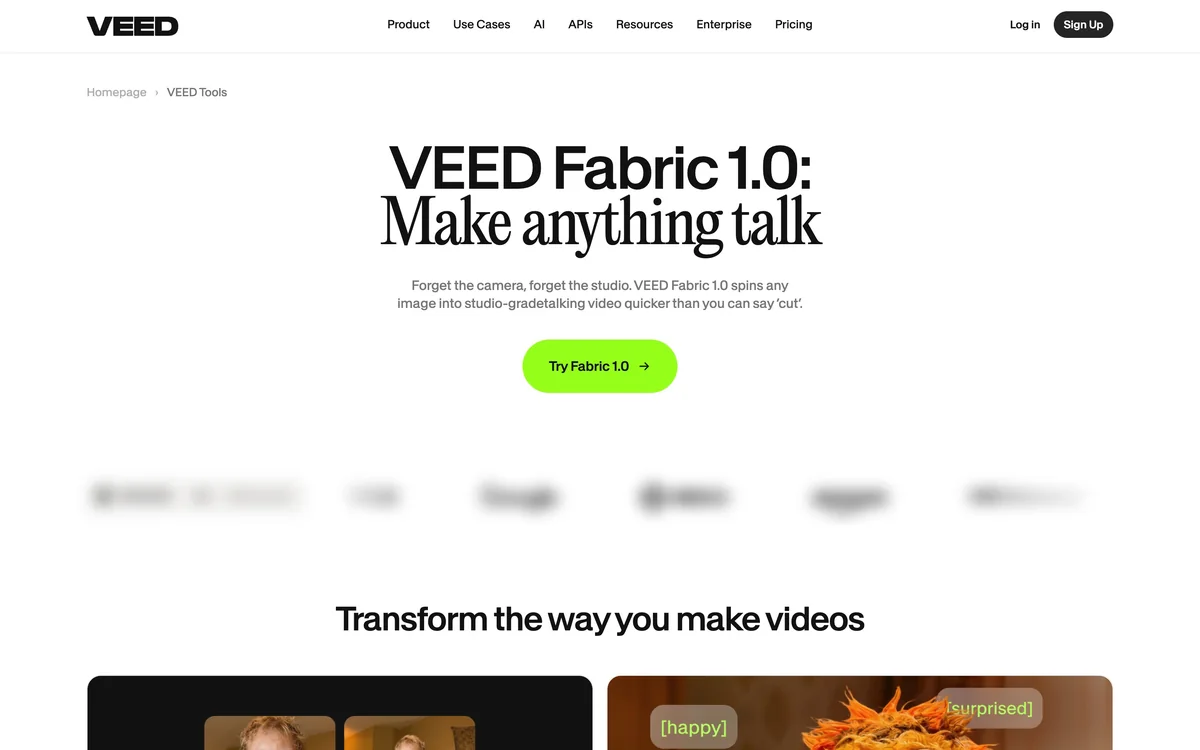
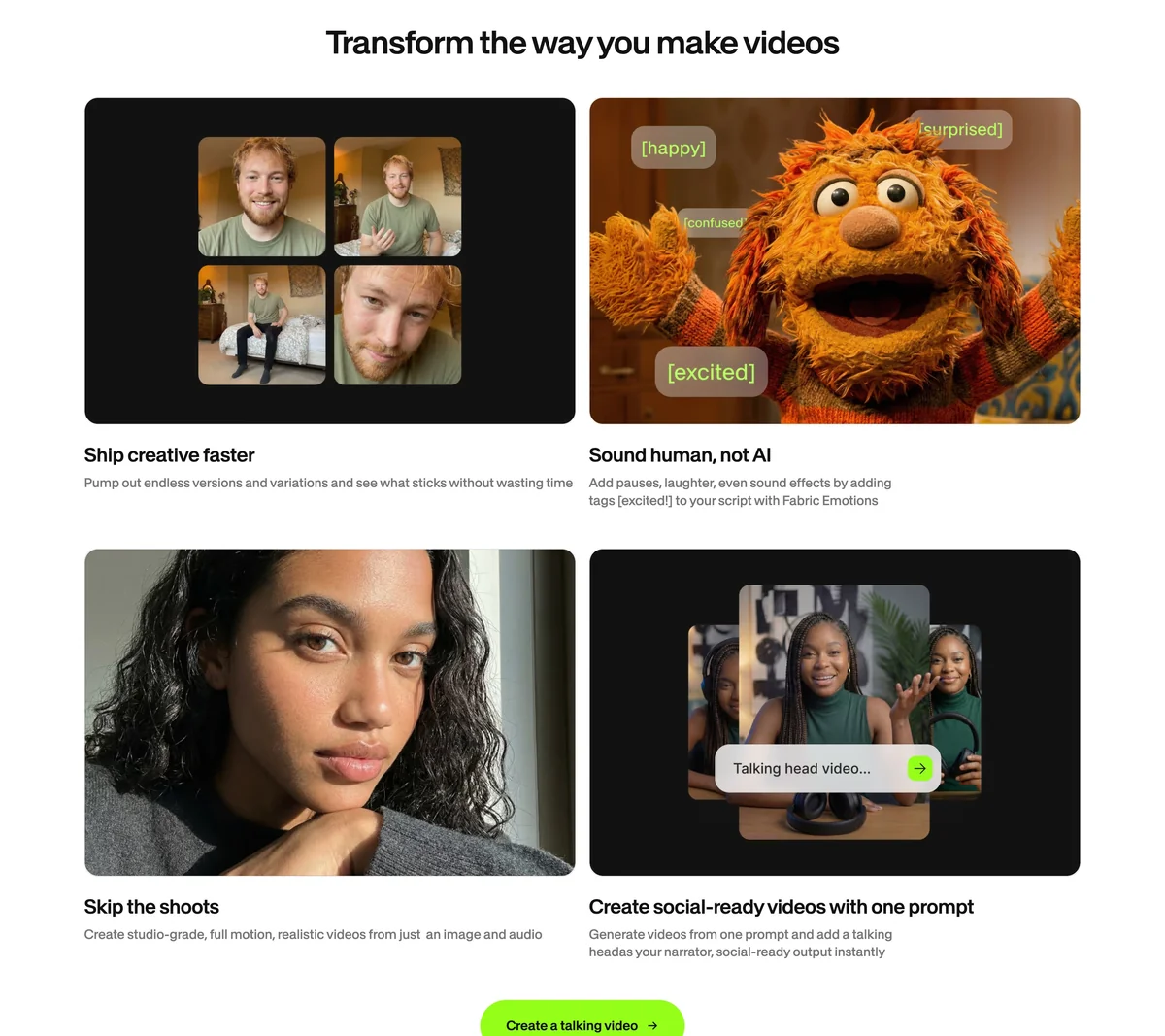
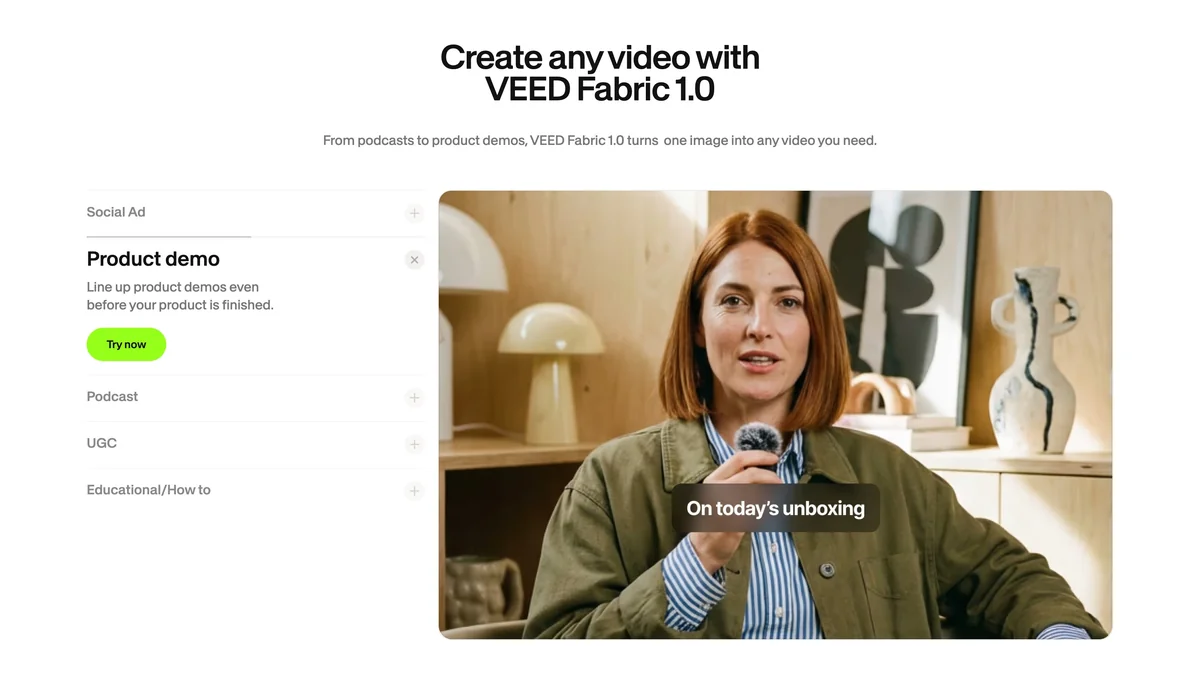
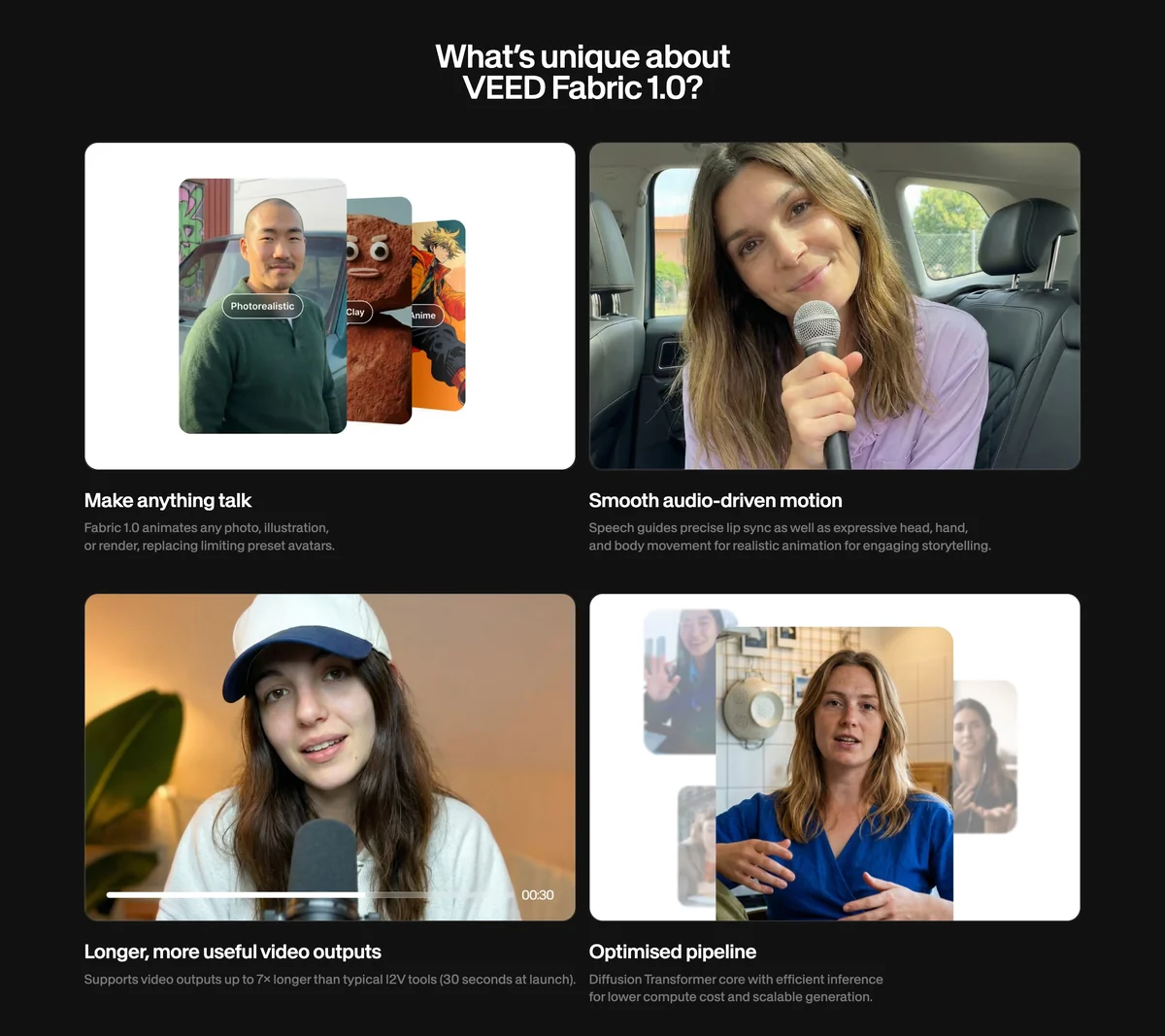
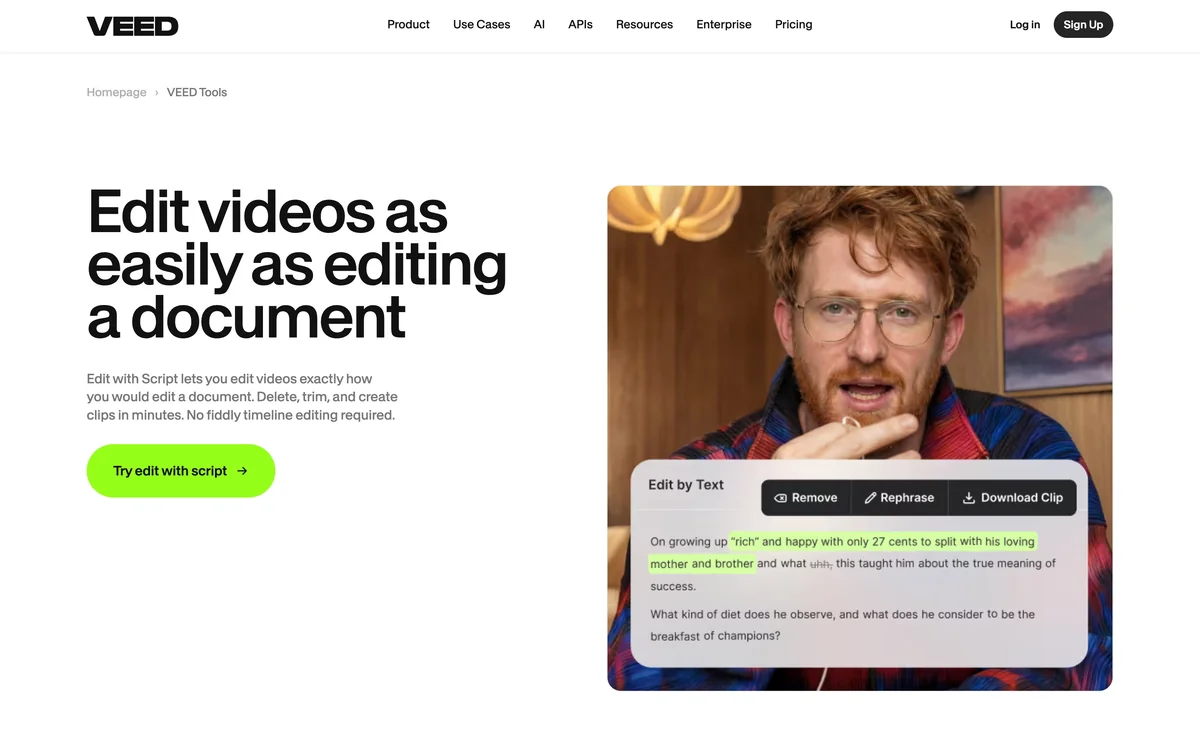
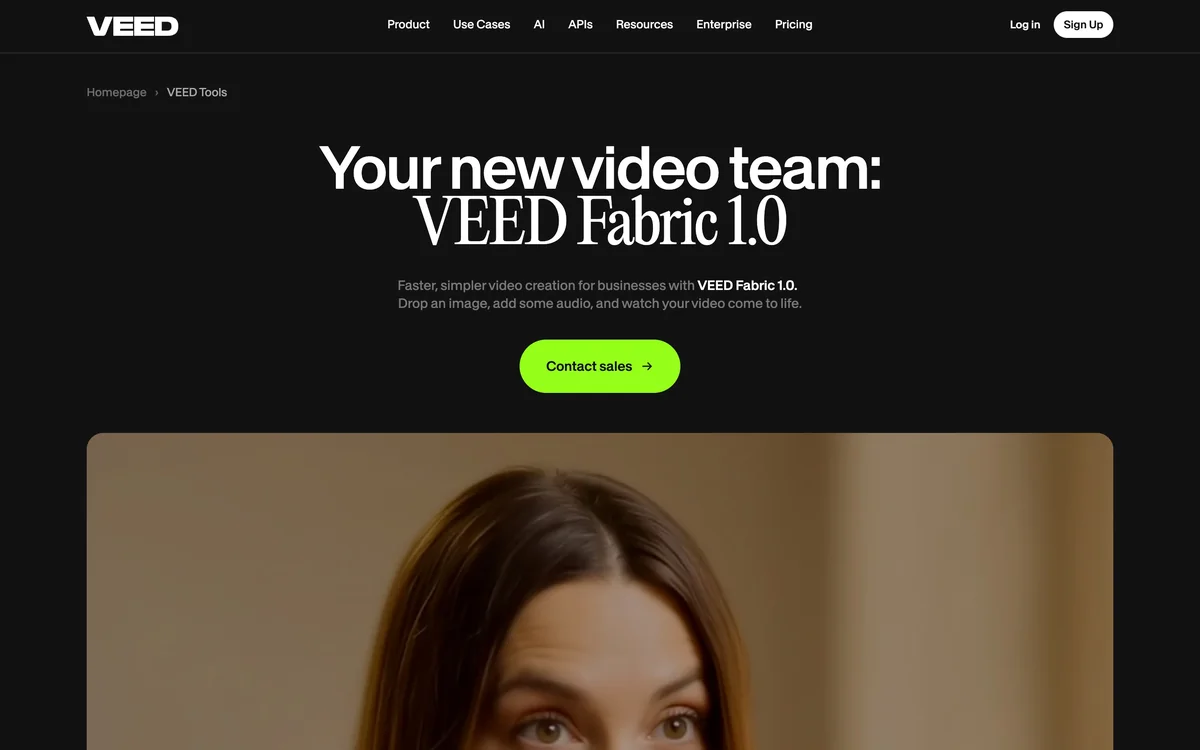
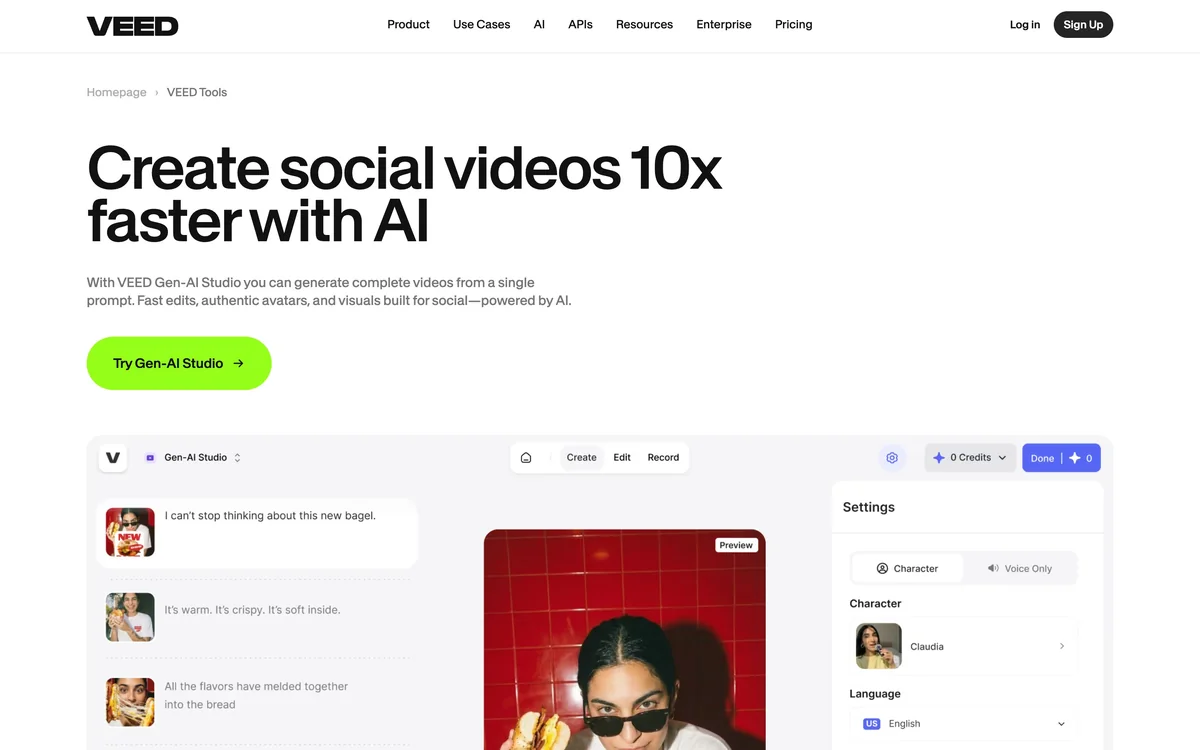
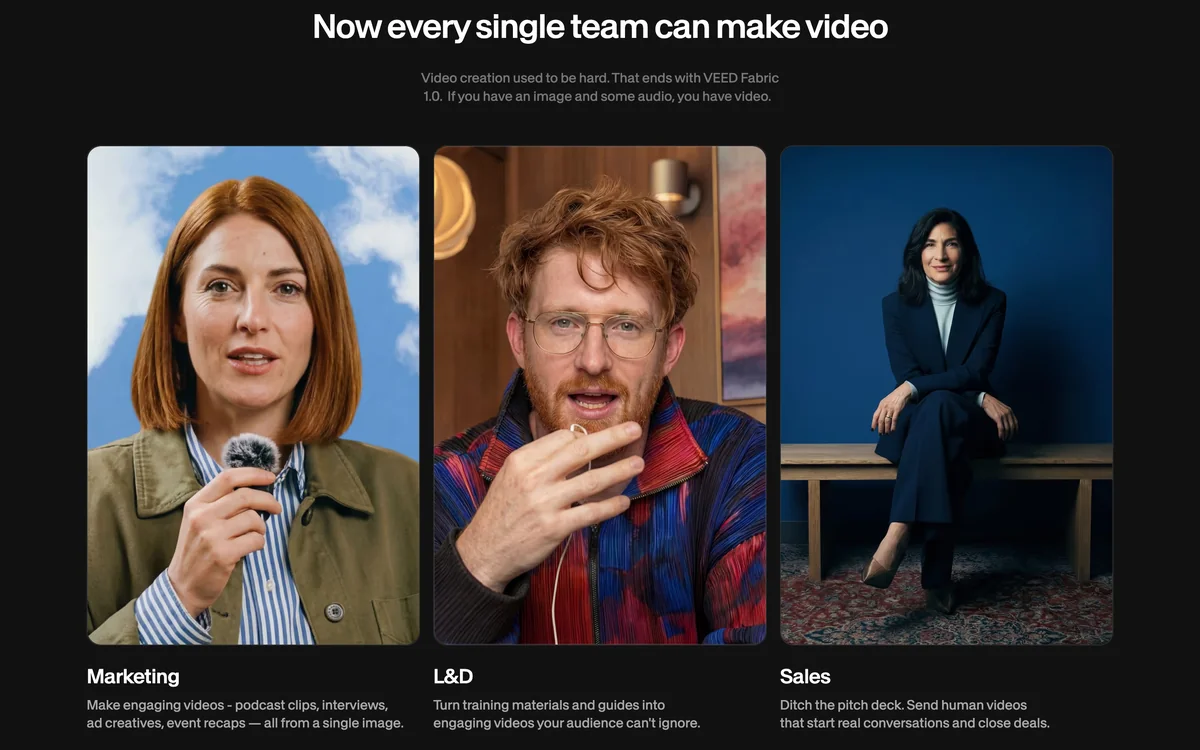
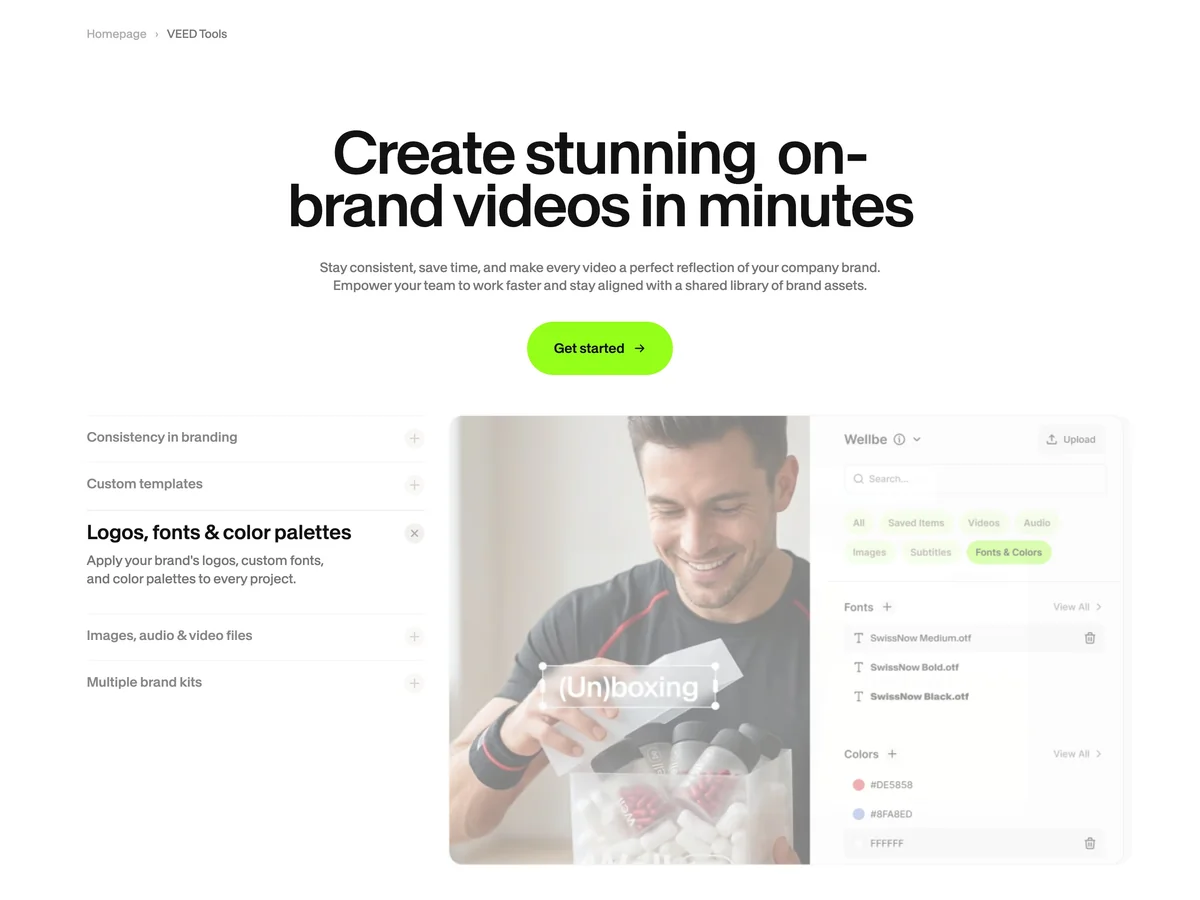
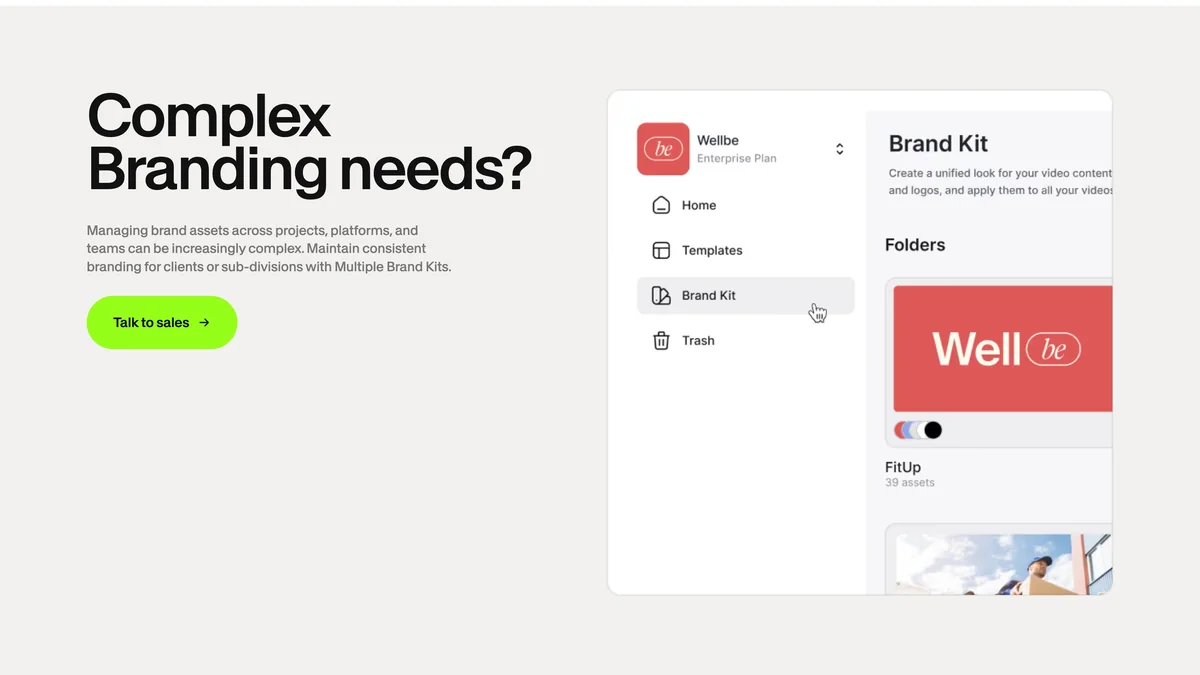
We rebuilt the pages on VEED’s existing Webflow site, so their URLs, and the search history behind them, stayed where they were. That meant clearing out the old styles and the old library first, then installing the new one and building from VEED’s page designs in priority order: Fabric 1.0 with its API and Enterprise pages, AI Playground, Gen-AI Studio, VEED AI, AI Avatars, Edit with Script and Brand Kit among them. Each page is assembled from library sections, and a blank starter page lets VEED’s team begin a new one the same way. VEED’s team entered the final content and published.
Learn
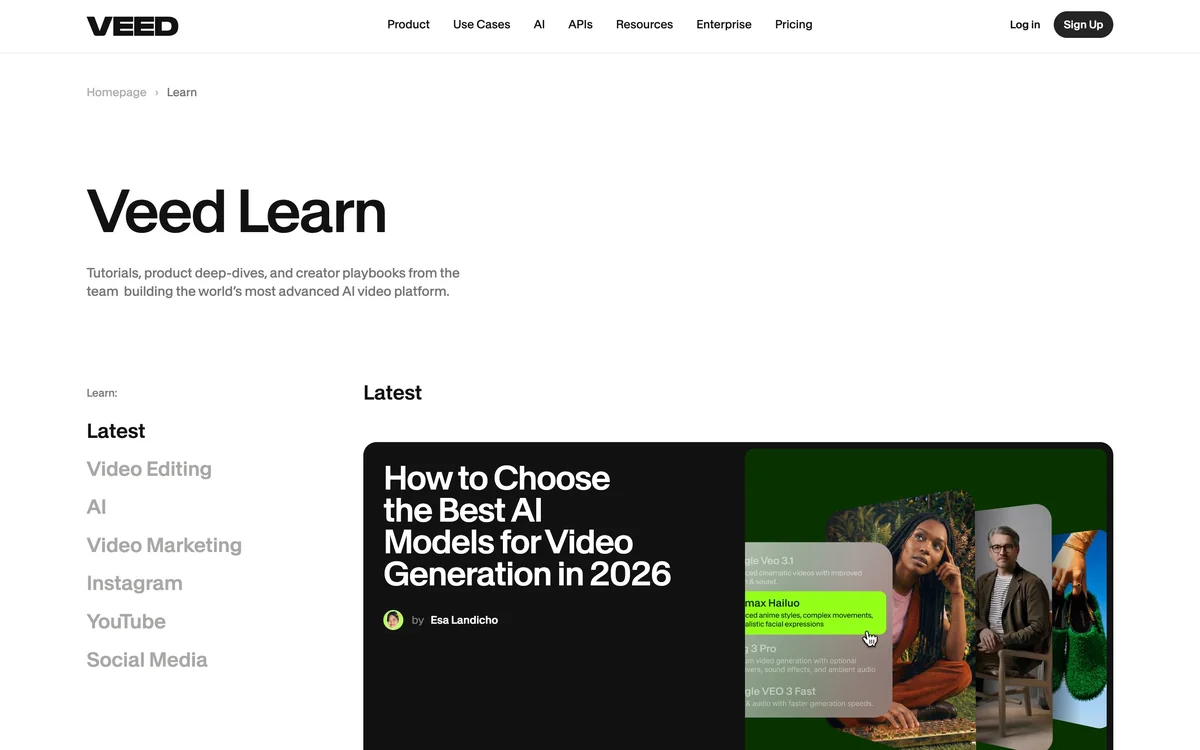
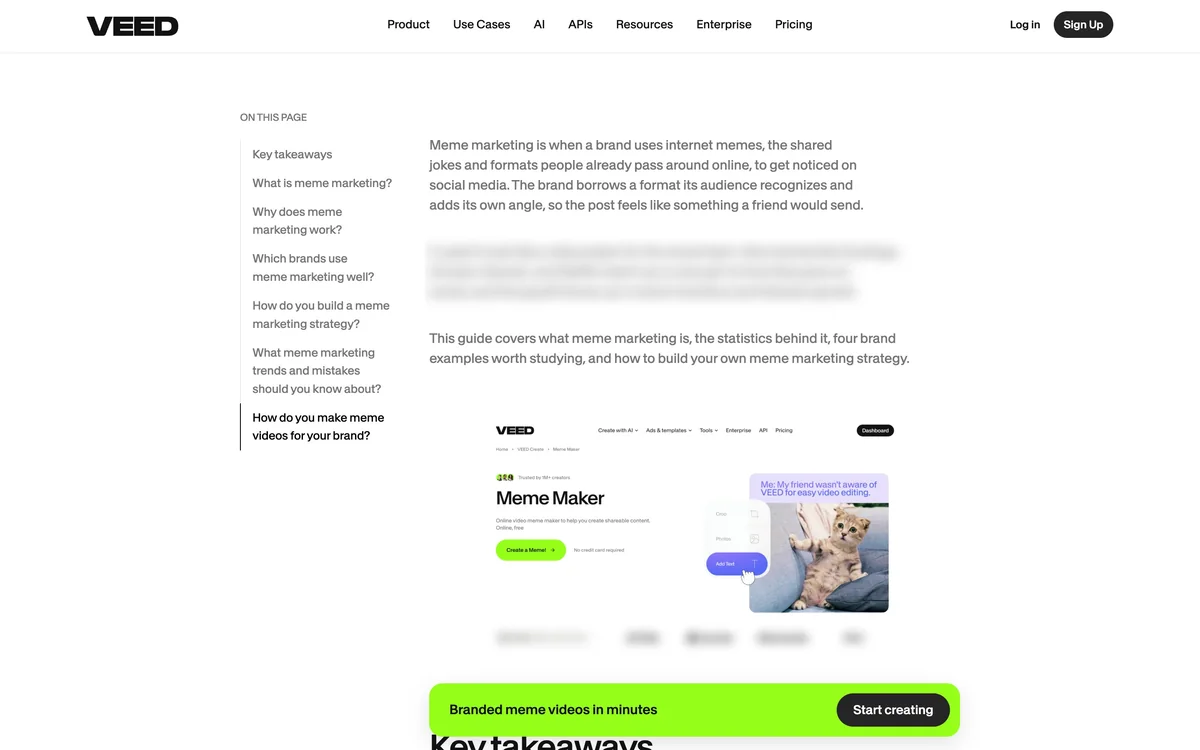
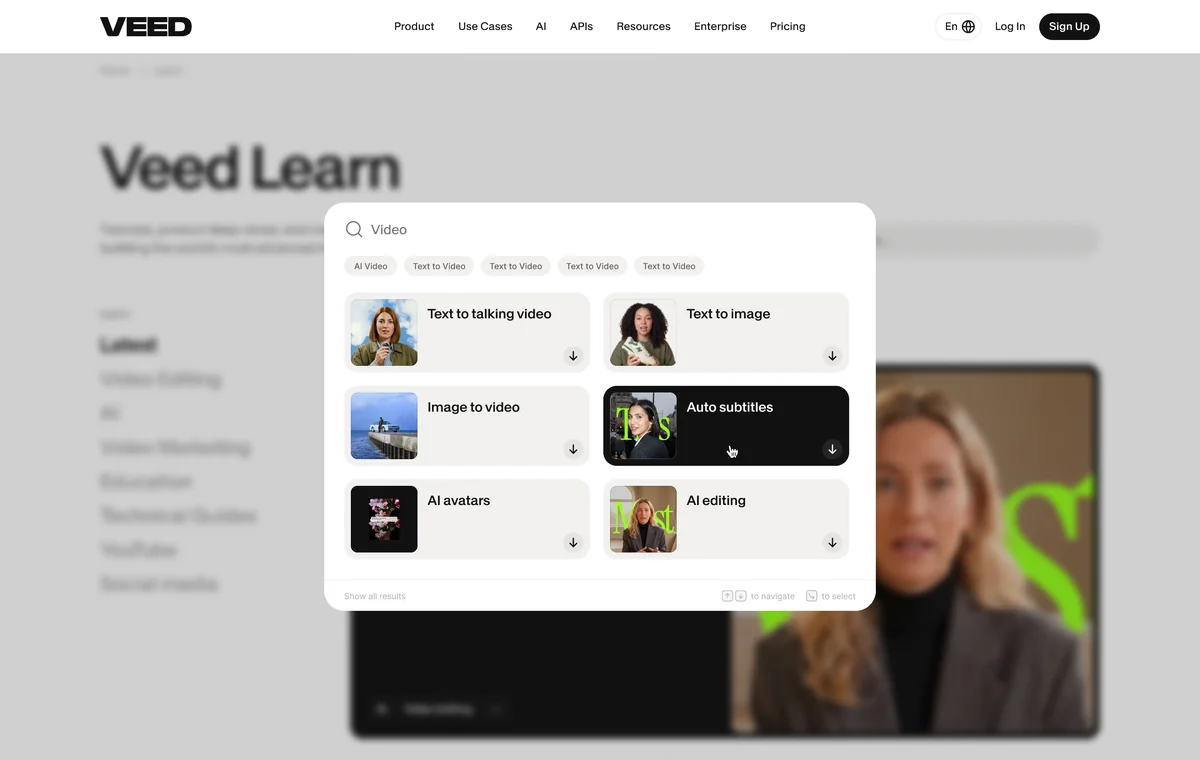
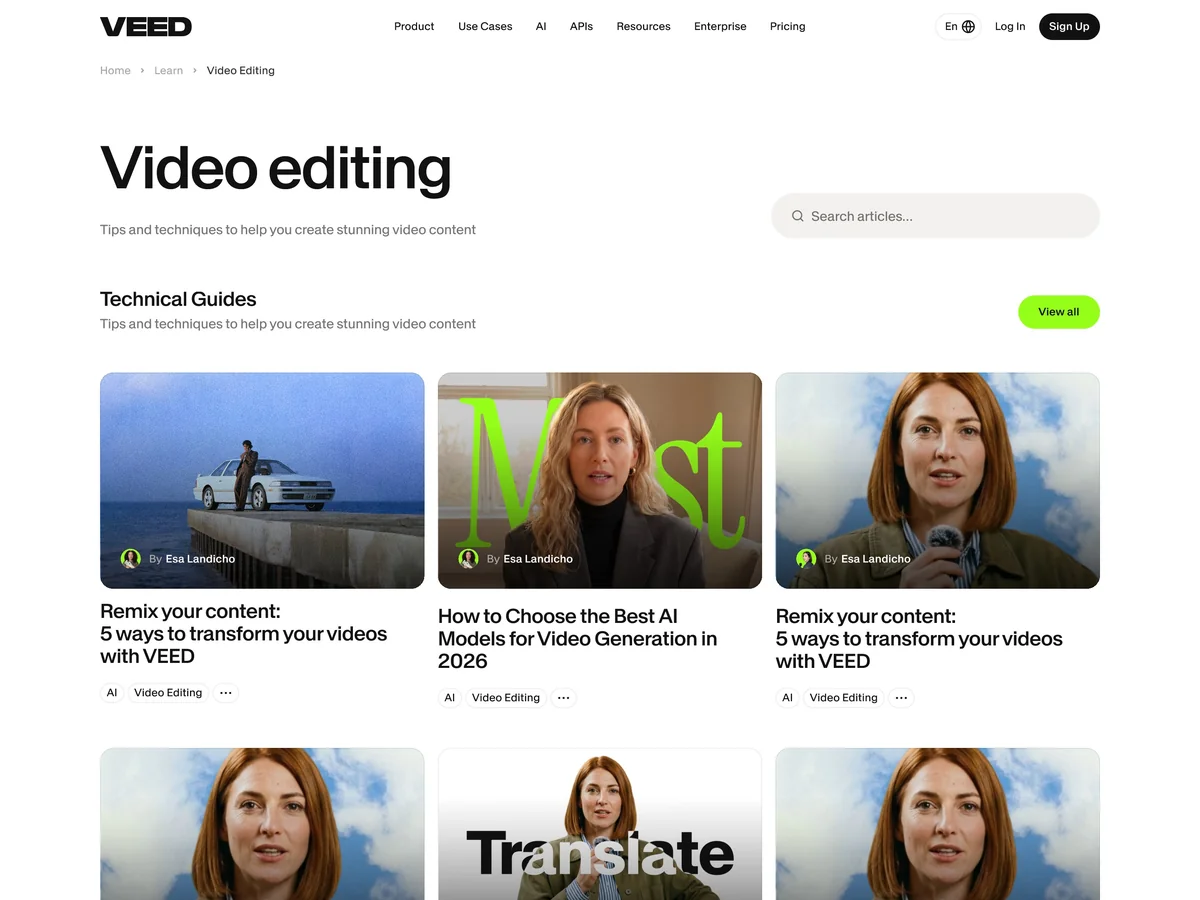
Learn, VEED’s SEO blog, lived on a second Webflow site that the SEO team published to every day. We set out two routes: restyle it where it was, or move it into the marketing site. Moving it left VEED with one site to maintain and one fewer Webflow plan, and VEED chose it after checking with Webflow. For the design we started from the layout VEED’s designer had left as option two and added search, category and view-all pages. Then we built the templates, imported around 350 posts and gave each post a table of contents. Learn now runs on the same library as the marketing pages.
Build
Everything is in Webflow on VEED’s Enterprise account. The library is its own Webflow site, and the marketing pages and Learn draw on it. Themes run on Webflow variables. Custom code uses prefixed selectors, so the same scripts run in the library and on the live site. VEED’s team has published the site themselves since the handover.
Credits
Design system and page designs by VEED
Webflow development by LayerTwo, with Erik Hudec
More case studies
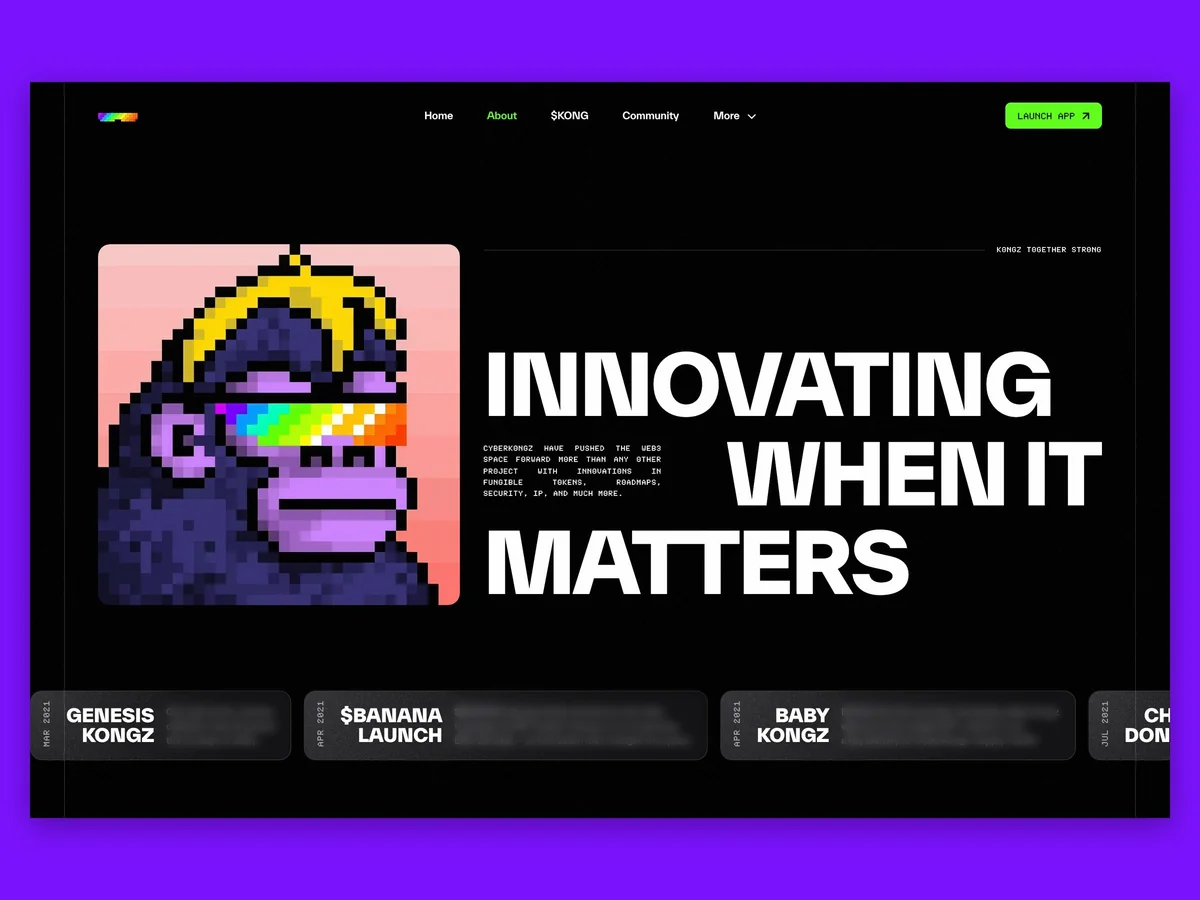 CyberKongzThe website and app design for CyberKongz, one of the original NFT projects, as it moved to a single token.